For years, the Raspberry Pi community has lived with one universal truth: the microSD card is both the Pi’s greatest convenience and its biggest bottleneck. They’re cheap, easy, and everywhere—but they’re also slow, fragile, and prone to corruption under heavy I/O.
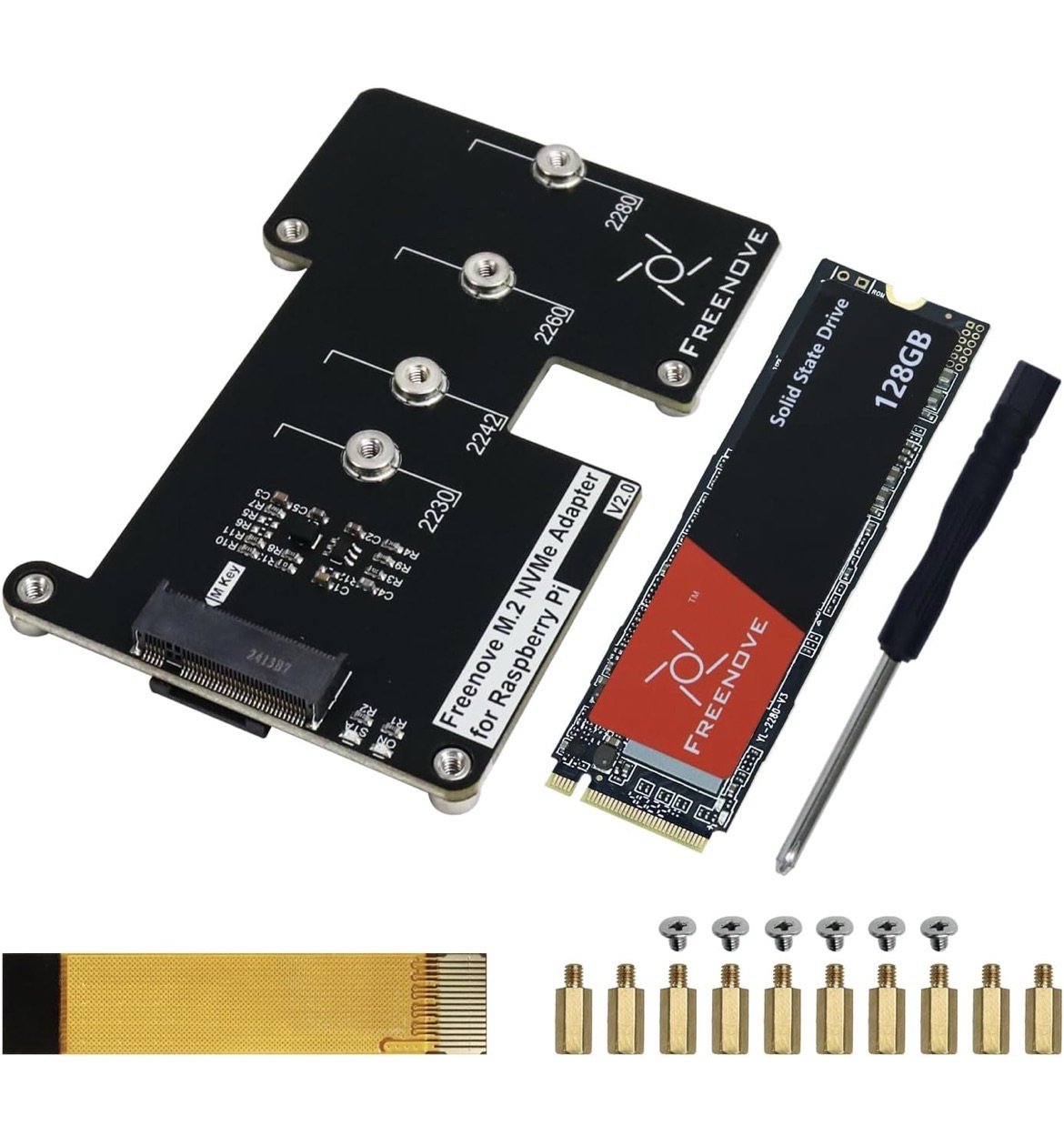
As my 64GB card was getting full. I decided to get a 256GB NVMe and Raspberry Pi hat. Firstly for the extra space but secondly for the improved performance and reliability.
The process to migrate the data was easier than I had expected. I managed to migrate the OS and the data with no issues. All docker apps loaded with no issues after migration. I did the following
Prerequisites
RPI clone is needed which is on GitHub. As such if you don’t have it already, git will be needed to be installed. You can do this by running the commands below:
sudo apt update
sudo apt install -y git
Also while this may seem obvious make sure your new NVMe has ideally a larger capacity than the microSD card
Data migration
First find the name of your device by running
lsblkMake a note of this for later. For me it was nvme0n1
Next install Geerlingguy’s version of RPI-Clone
git clone https://github.com/Geerlingguy/rpi-clone.git

cd rpi-clone

sudo cp rpi-clone rpi-clone-setup /usr/local/sbin
Finally run the following command to copy the data. Replace “nvme0n1” with your drive name
sudo rpi-clone nvme0n1Accept any prompts. On completion shutdown the Raspberry Pi.
sudo shutdownTest by removing the microSD card, powering back on and making sure everything works as expected
You can also see how I did this in my TikTok video you can find here https://vm.tiktok.com/ZNR61SkhG/
You can find the Rapsberry Pi hat and 256GB NVMe that I used here – https://amzn.to/3MX1MTJ


